

Horus Lens 1.0
Text-to-Image Generation Model
Overview
Horus Lens 1.0 is an advanced text-to-image and image-to-image generation model. To achieve superior generation quality, Horus Lens 1.0 was extensively trained on hundreds of thousands of new, carefully curated, and clean images. This training significantly improves the model's understanding of complex prompts, artistic fidelity, and overall visual output.
Enhanced Base
Highly optimized weights to improve output consistency and structural generation
Premium Dataset
Extensively trained on hundreds of thousands of clean, high-resolution aesthetic images
Visual Fidelity
Strong prompt alignment and adherence to artistic specifications in high quality
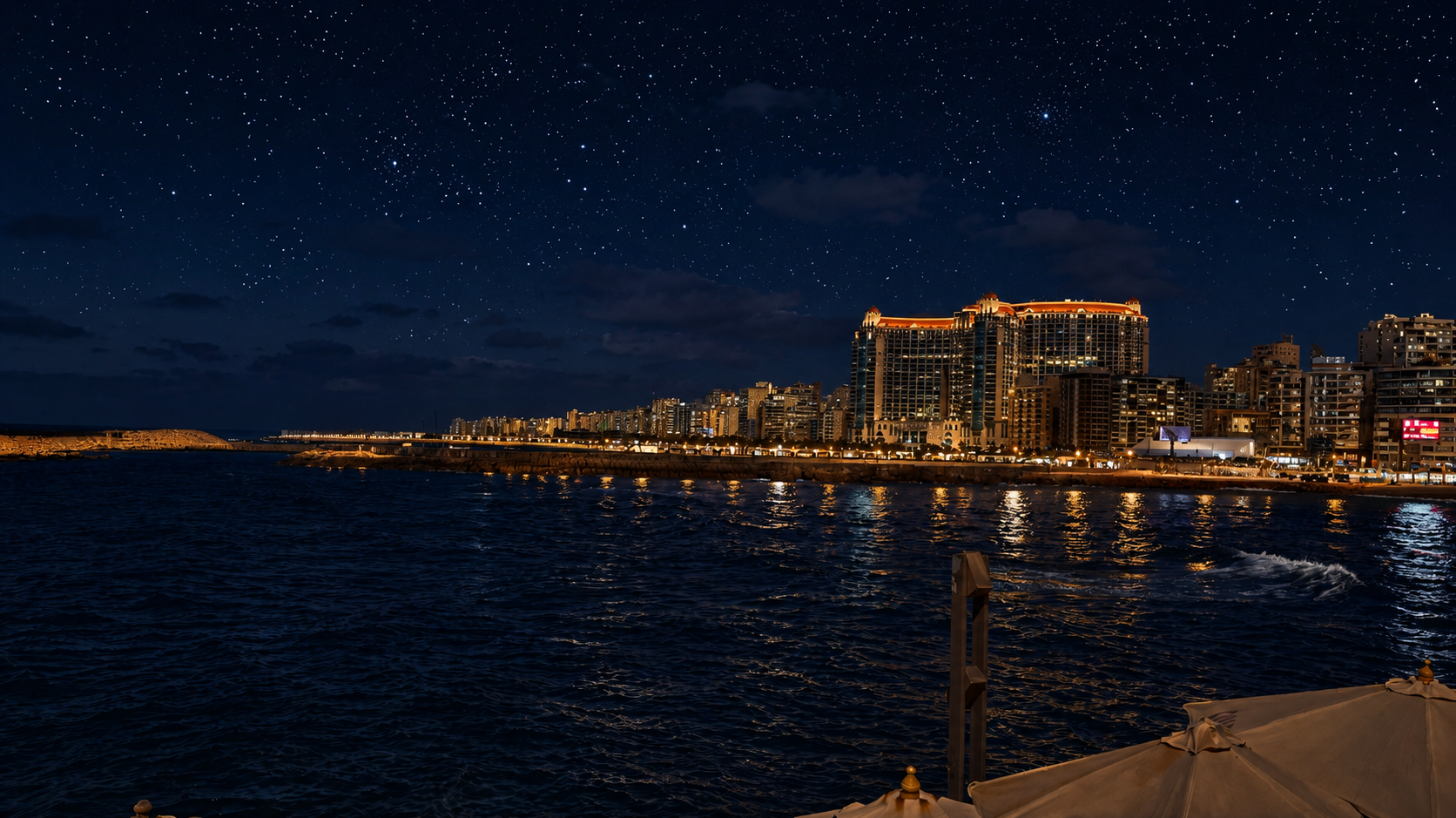
Visual Transformation Example
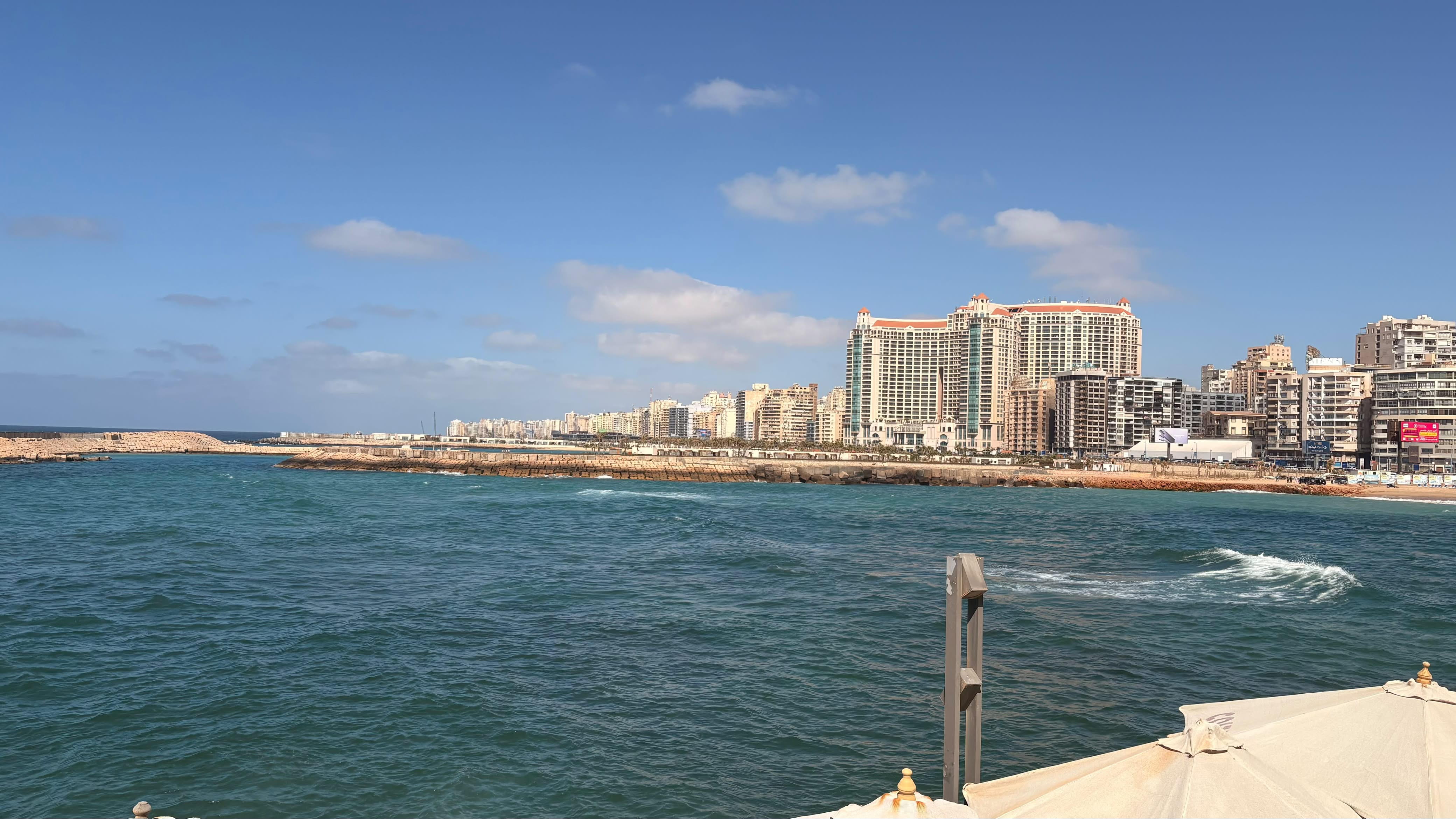
Make the scene in night and put glowing starts in the sky
Model Specifications
| Property | Value |
|---|---|
| Model Type | Text-to-Image / Image-to-Image |
| License | Apache-2.0 |
| Pipeline Class | ZImagePipeline |
| Parameters Class | Diffusers compatible |
| Primary Language | English |
GGUF Compressed Versions
| File Name | File Size | Recommended VRAM |
|---|---|---|
| Horus-Lens-1.0-Q3_K_M.gguf | 4.56 GB | 6 GB VRAM |
| Horus-Lens-1.0-Q4_K_M.gguf | 5.07 GB | 8 GB VRAM |
| Horus-Lens-1.0-Q6_K.gguf | 6.10 GB | 10 GB VRAM |
| Horus-Lens-1.0-Q8_0.gguf | 7.22 GB | 12 GB VRAM |
Quick Start
Integrate Horus Lens 1.0 into your applications using the neuralnode library
Install NeuralNode
# Install the NeuralNode framework
pip install neuralnode

# Optional: Upgrade to the latest version
pip install --upgrade neuralnodeSelect Model Variant
List Available Horus Models
import neuralnode as nn

# Print all available Horus models in the registry
nn.print_model_list()Generate Images with Horus Lens 1.0
import neuralnode as nn
# Load the Horus Lens 1.0 text-to-image model
model = nn.HorusLensModel("tokenaii/Horus-Lens-1.0").load()
# Generate and save the image
model.generate_image(
prompt="A detailed cinematic image of an ancient Egyptian AI lab, golden light",
output_path="outputs/horus_lens.png",
seed=42
)
print("Saved image to outputs/horus_lens.png") Hugging Face RepositoryGitHub Repository